IronXL.Excel 2024.10.2


%20-107C10?logo=visualstudio)



IronXL - The C# Excel Library

Get Started | Features | Code Examples | Licensing | Free Trial
IronXL is a library developed and maintained by Iron Software that helps C# Software Engineers to read, generate and edit Excel (and other Spreadsheet files) in .NET applications & websites.
IronXL is a fast and natural approach to work with Excel and Other Spreadsheet files in C# within .NET. With no utilization of Office Excel Interopm IronXL works well with .NET Framework, .NET Core and Azure. All without extra dependencies or the need to install MS Office.
IronXL excels at:
- Import Data from XLS/XLSX/CSV/TSV.
- Export Work Sheets to XLS/XLSX/CSV/TSV/JSON.
- Encrypt and decrypt XLSX/XLSM/XLTX files with passwords.
- Work with Spreadsheets as System.Data.DataSet and System.Data.DataTable objects.
- Excel Formulas recalculated every time a sheet it edited.
- Intuitive Ranges setting with a WorkSheet["A1:B10"] syntax.
- Sort Ranges, Columns and Rows.
- Style Cells - Font, Size, Background pattern, Border, Alignment and Number formats.
Document Formats
- Load, Read and Edit Data: XLS, XLSX, XLST, XLSM, CSV and TSV
- Saving and Exporting: XLS, XLSX, XLST, XLSM, CSV, TSV and JSON
- System.Data Objects: Work with Excel Spreadsheets as System.Data.DataSet and System.Data.DataTable
Sheet Functions
- Formulas: Works with Excel formulas and formulas recalculated every time a sheet it edited
- Cell Data Formats: Text, Number, Formulas, Dates, Currency, Percentage, Scientific, Time and Custom Formats
- Sorting: Ranges, Columns and Rows
- Cell Styling: Font, Size, Background pattern, Border and Alignment
IronXL has cross platform support compatibility with:
- .NET 8, .NET 7, .NET 6 and .NET 5, .NET Core, Standard, and Framework
- Windows, macOS, Linux, Docker, Azure, and AWS
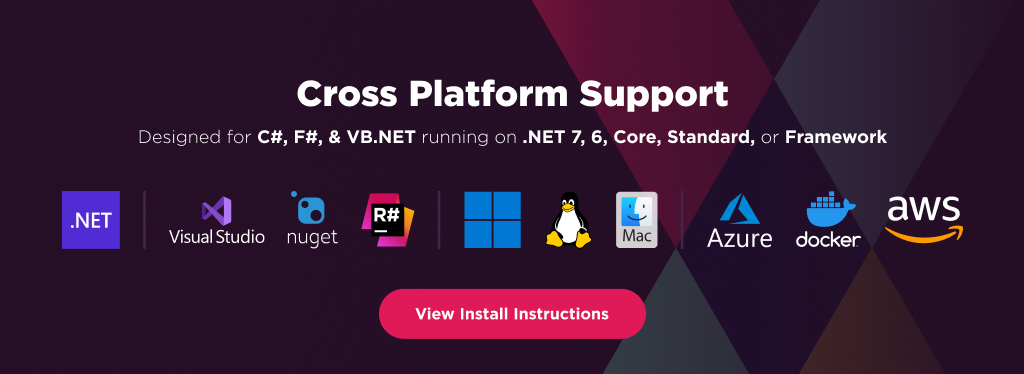
Additionally, our API reference and full licensing information can easily be found on our website.
Using IronXL
Installing the IronXL NuGet package is quick and easy, please install the package like this:
PM> Install-Package IronXL.Excel
Once installed, you can get started by adding using IronXL to the top of your C# code. Here is an example to get started:
using IronXL;
using System.Linq;

//Supported spreadsheet formats for reading include: XLSX, XLS, CSV and TSV
WorkBook workbook = WorkBook.Load("test.xlsx");
WorkSheet sheet = workbook.WorkSheets.First();

//Select cells easily in Excel notation and return the calculated value
int cellValue = sheet["A2"].IntValue;

// Read from Ranges of cells elegantly.
foreach (var cell in sheet["A2:A10"])
{
	Console.WriteLine("Cell {0} has value '{1}'", cell.AddressString, cell.Text);
}

//Calculate aggregate values such as Min, Max and Sum
decimal sum = sheet["A2:A10"].Sum();

//Linq compatible
decimal max = sheet["A2:A10"].Max(c => c.DecimalValue);
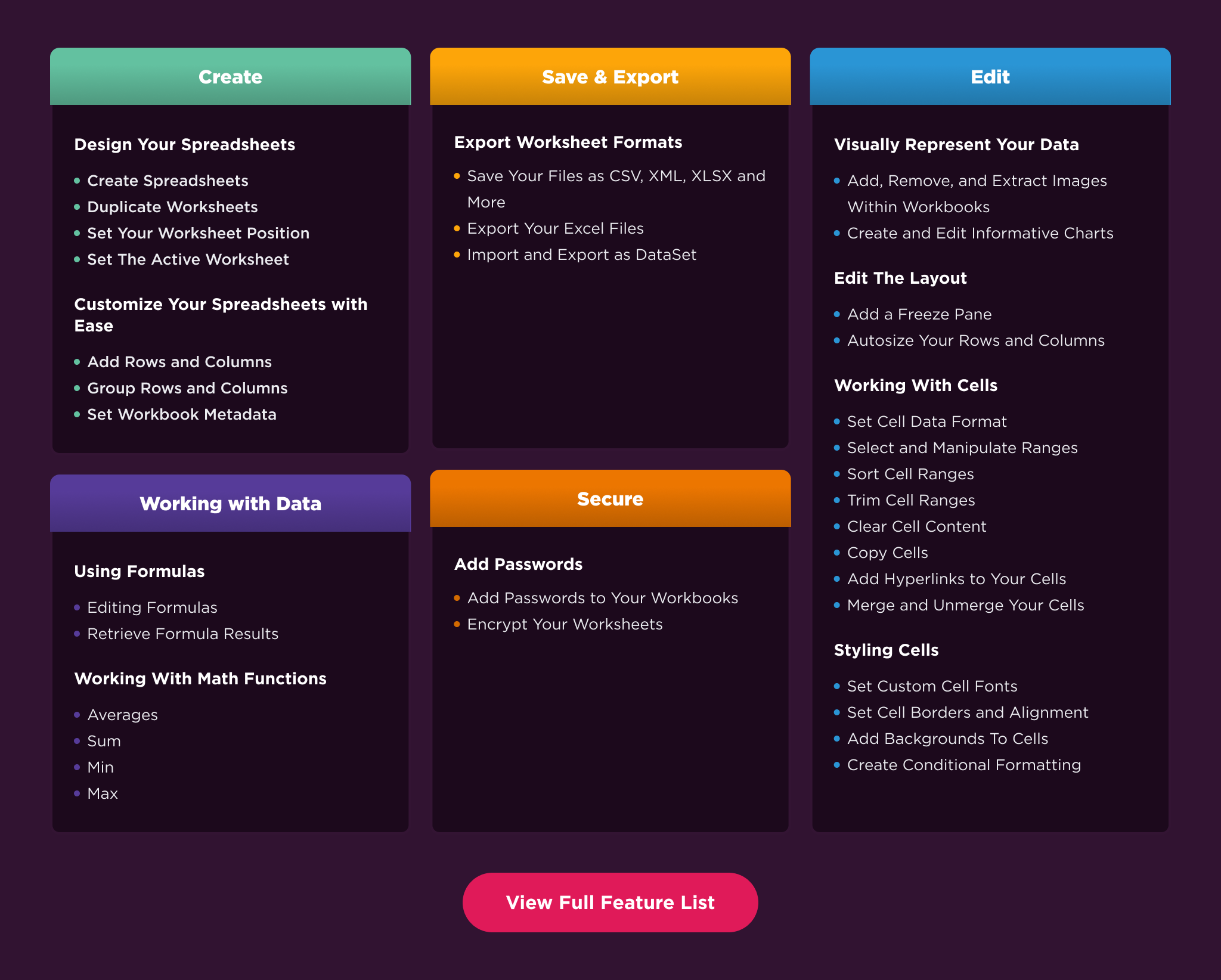
Features Table
Licensing & Support available
For code examples, tutorials and documentation visit https://ironsoftware.com/csharp/excel/
For support please email us at support@ironsoftware.com
Documentation Links
- Code Examples : (https://ironsoftware.com/csharp/excel/examples/
- API Reference : https://ironsoftware.com/csharp/excel/object-reference/api/
- Tutorials : https://ironsoftware.com/csharp/excel/tutorials/how-to-read-excel-file-csharp/
- Licensing : https://ironsoftware.com/csharp/excel/licensing/
- Live Chat Support : https://ironsoftware.com/csharp/excel/#helpscout-support
You can email us at support@ironsoftware.com for support directly from our code team. We offer licensing and extensive support for commercial deployment projects.