IronQR.Slim 2025.5.4


%20-107C10?logo=visualstudio)

IronQR - The C# QR Code Library

IronQR is a library developed and maintained by Iron Software that helps C# Software Engineers to detect, read, and create QR Codes in .NET applications & websites with a sophisticated custom Machine Learning model.
IronQR excels at:
- Detecting and Reading Barcodes for Images or Scans
- Create fully custom QR Codes with Logos and Coloring
IronQR has cross platform support compatibility with:
- .NET 8, .NET 7, .NET 6 and .NET 5, Core 2x & 3x, Standard 2, and Framework 4.6.2+
- Windows, macOS, Linux, iOS, Android, Docker, Azure, and AWS
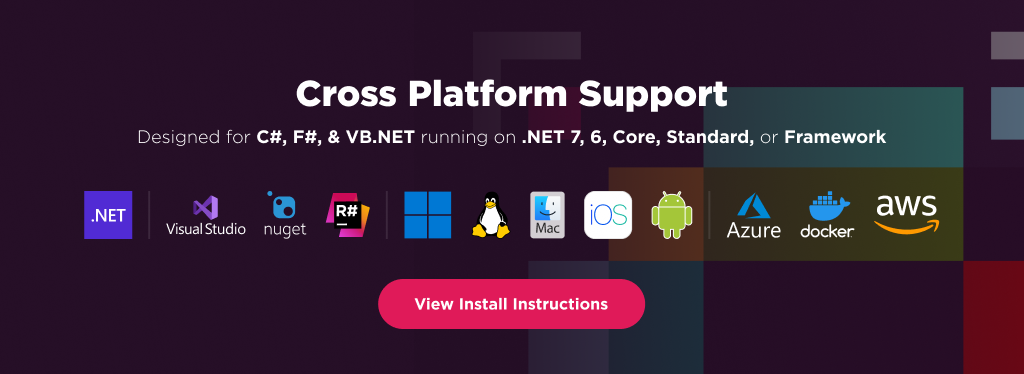
Additionally, our API reference and full licensing information can easily be found on our website.
Using IronQR
Installing the IronQR NuGet package is quick and easy, please install the package like this:
PM> Install-Package IronQR
Once installed, you can get started by adding using IronQr; to the top of your C# code. Here is is sample and advanced QR examples to get started:
using IronQr;
using IronSoftware.Drawing;

// Create QR Code
QrCode myQr = QrWriter.Write("hello world"); // Embedded value as string
AnyBitmap qrBitmap = myQr.Save(); // Bitmap object able to export as bytes or file
qrBitmap.SaveAs("qr.png"); // Save to disk

// Read QR Code
var qrReader = new QrReader(settings: optionalQrReaderSettings); // Create reader
IEnumerable<QrResult> results = qrReader.Read(new QrImageInput("image.jpg")); // Reader calls ML Model to detect and read
IEnumerable<QrResult> asyncResults = await qrReader.ReadAsync(new QrImageInput("image.jpg")); // Async version

// Advanced QR Creation
var optionalOptions = new QrOptions(QrErrorCorrectionLevel.High, 20); // Advanced QR Generation Options

QrCode myQr = QrWriter.Write("hello world", options: optionalOptions); // QR code created with options

var fancyBrandedQrSettings = new QrStyleOptions // Add logo, branding, coloring, rouding, etc.
{
    Dimensions = 300, // px
    Margins = 10, // px
    Color = Color.Black,
    Logo = new QrLogo
    {
        Bitmap = new AnyBitmap(new Uri("website.com/image.svg")),
        Width = 50,
        Height = 50,
        CornerRadius = 2
    }
};
AnyBitmap qrWithBranding = myQr.Save(fancyBrandedQrSettings);
qrWithBranding.SaveAs("qr_fancy.png");
Features
Advanced QR Detection Model:
- Built-in Custom Machine Learning QR Detection Model that is improved monthly
- Fast scanning of areas with detected QR Codes ingnoring noise
- Accurate reading of QR Codes with Error correction
Reading QR Codes:
- Read from many image formats: Images (JPG, PNG, GIF, TIFF, SVG, BMP), Multipage GIF & TIFF, System.Drawing Objects, Streams, and more
- Image Filters to improve image reading: Contrast and Binarize!
- Async / Multithreading Support and Lighweight "Slim" ML-deteched mode
- Output to Text, Image, or URI
Writing QR Codes:
- Write To Document Types: Image (jpg, png, gif, tiff, bmp), System.Drawing Objects, Streams, HTML (DataURI, file, or img), (File, Stream, or Binary)
- Encoding Data: Text, urls, IDs, numbers, & binary data
- Custom QR Error Correction
- Styling QR Codes: Resizing, Margins & Borders, Recoloring, Add text annotations, Adding custom logos and rounding
Licensing & Support available
For code examples, tutorials and documentation visit https://ironsoftware.com/csharp/qr/
For support please email us at support@ironsoftware.com
Documentation Links
- API Reference : https://ironsoftware.com/csharp/qr/object-reference/api/
- Licensing : https://ironsoftware.com/csharp/qr/licensing/
You can email us at support@ironsoftware.com for support directly from our code team. We offer licensing and extensive support for commercial deployment projects.